


recover radio code


 IAG,and nothing else.
If you think a good mechanic is expensive, try hiring a bad one
Joined: Dec 2011
Posts: 32,017
Likes: 256
From: Midwest. Aiming about mid-chest
Rep Power: 518 

Re: recover radio code
Somehow you got into the diagnosis area.
Does the radio display show "CODE" when you turn it on? If you started to enter numbers the full word CODE won't be displayed.
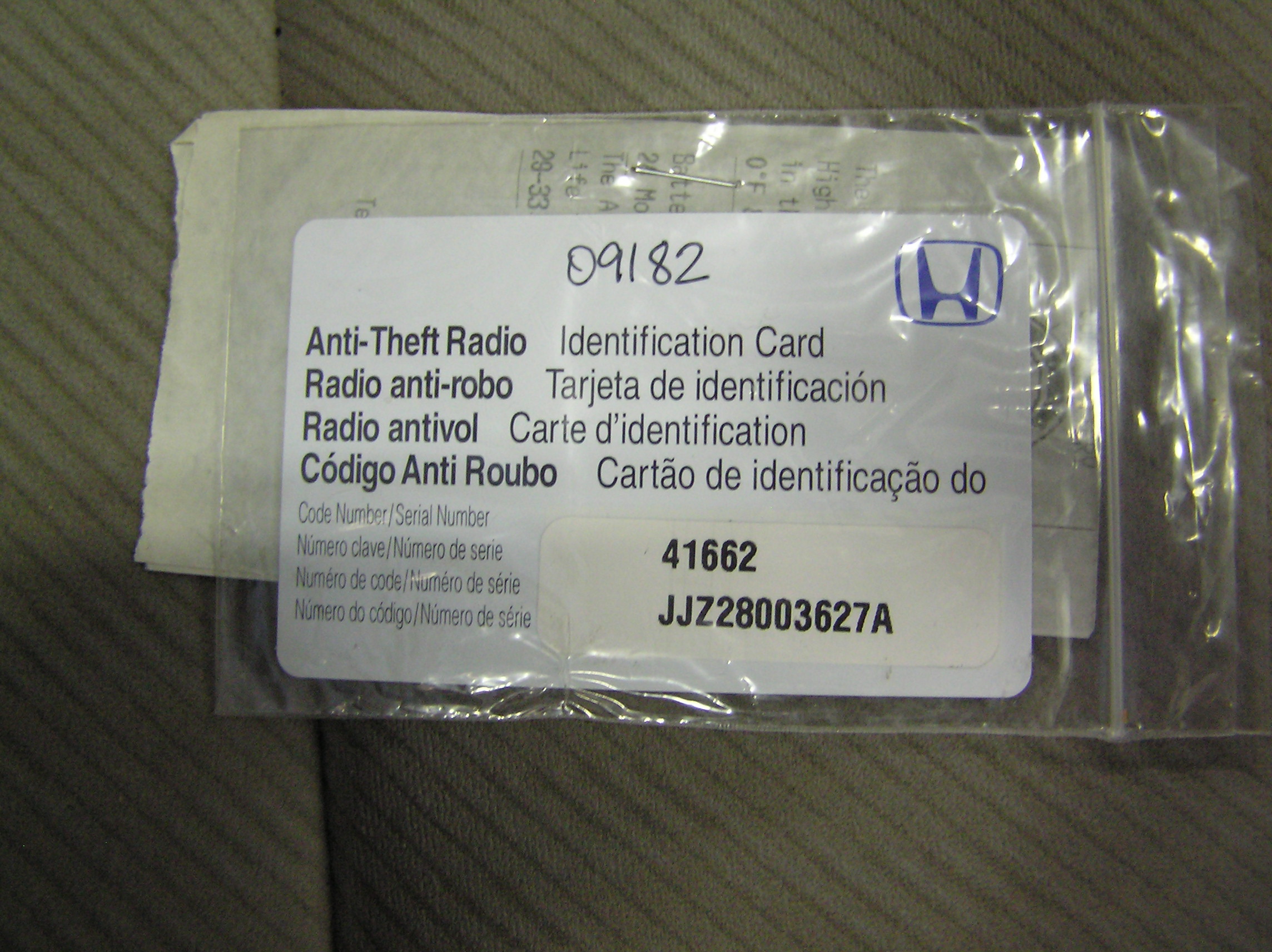
Did you check for the white sticker with the serial number and/or 5 digit unlock code?
In/on/around the glovebox, door jamb, battery bracket?
Of course there's the card, but the same stickers could have been placed just about anywhere
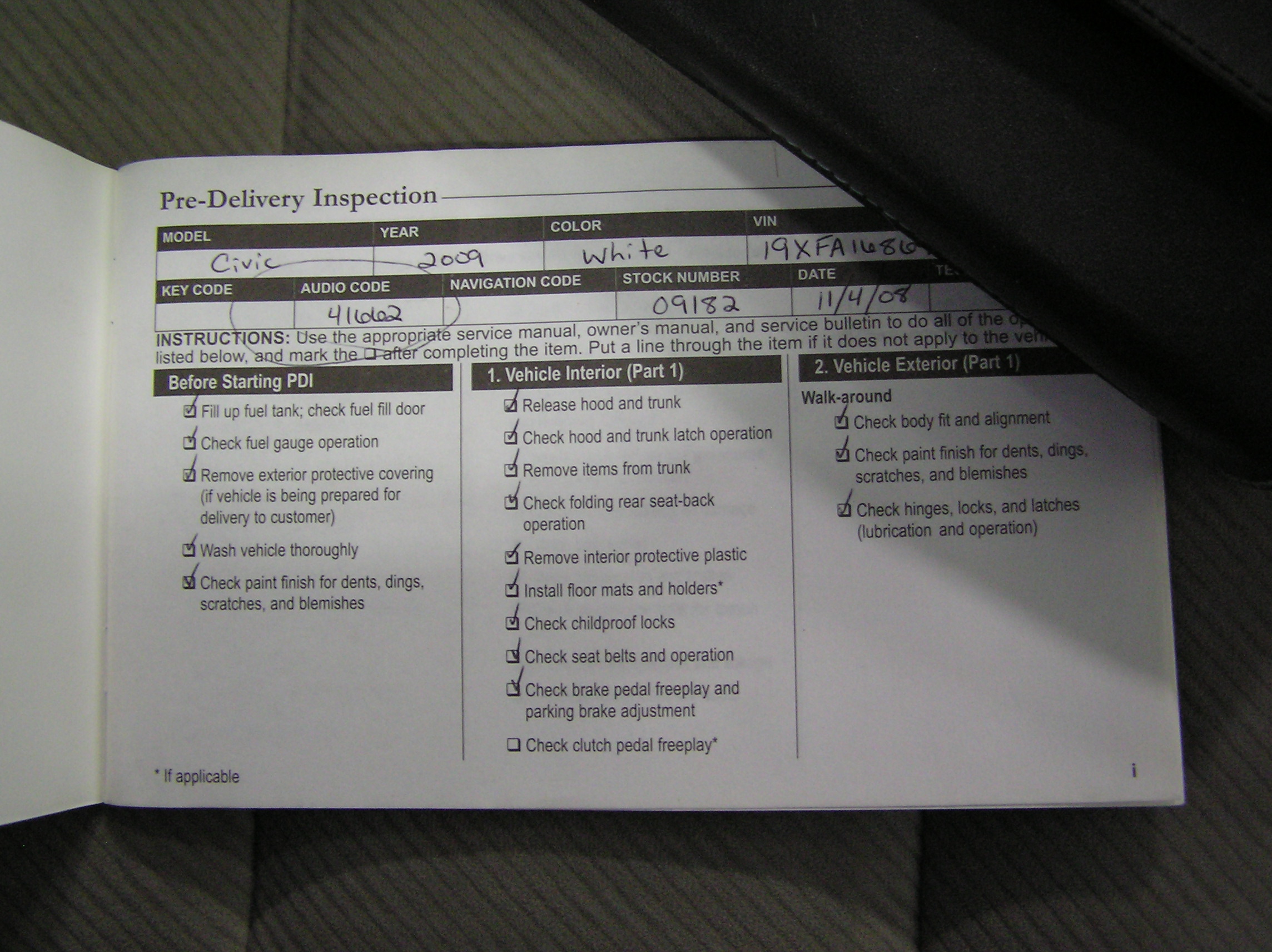
Thin blue owners book labeled "Honda service history" that had handwritten info the first page may have the radio code written in it
From Hondas website:
Does the radio display show "CODE" when you turn it on? If you started to enter numbers the full word CODE won't be displayed.
Did you check for the white sticker with the serial number and/or 5 digit unlock code?
In/on/around the glovebox, door jamb, battery bracket?
Of course there's the card, but the same stickers could have been placed just about anywhere
Thin blue owners book labeled "Honda service history" that had handwritten info the first page may have the radio code written in it
From Hondas website:
- Turn the ignition switch to ON.
- Turn ON the device and confirm that the display reads COdE. If you don’t see this message, pull the backup fuse for 1 minute, and then go back to step 1.
- Turn OFF the device.
- Press and hold the 1 and 6 radio preset buttons, and turn ON the device.
- The display toggles between two screens: U with the first 4 digits of the serial number (U2200 for example,)
- And L with the last 4 digits of the serial number (L0055 for example.)
- Ignore the U and L and record all 8 digits
If you think a good mechanic is expensive, try hiring a bad one
Joined: Dec 2011
Posts: 32,017
Likes: 256
From: Midwest. Aiming about mid-chest
Rep Power: 518 Re: recover radio code
From Hondas website:
- Turn the ignition switch to ON.
- Turn ON the device and confirm that the display reads COdE. If you don’t see this message, pull the backup fuse for 1 minute, and then go back to step 1.
- Turn OFF the device.
- Press and hold the 1 and 6 radio preset buttons, and turn ON the device.
- The display toggles between two screens: U with the first 4 digits of the serial number (U2200 for example,)
- And L with the last 4 digits of the serial number (L0055 for example.)
- Ignore the U and L and record all 8 digits

