


Spoilers


Registered!!
Joined: Oct 2008
Posts: 179
Likes: 0
From: north jersey
Rep Power: 234 

Re: Spoilers
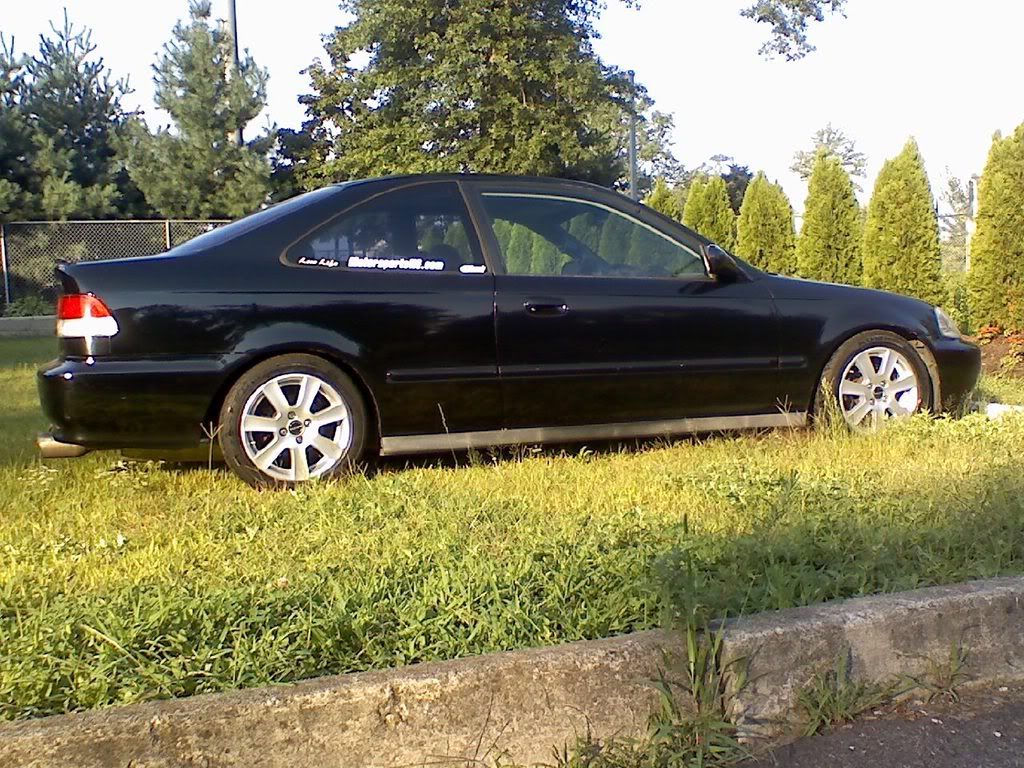
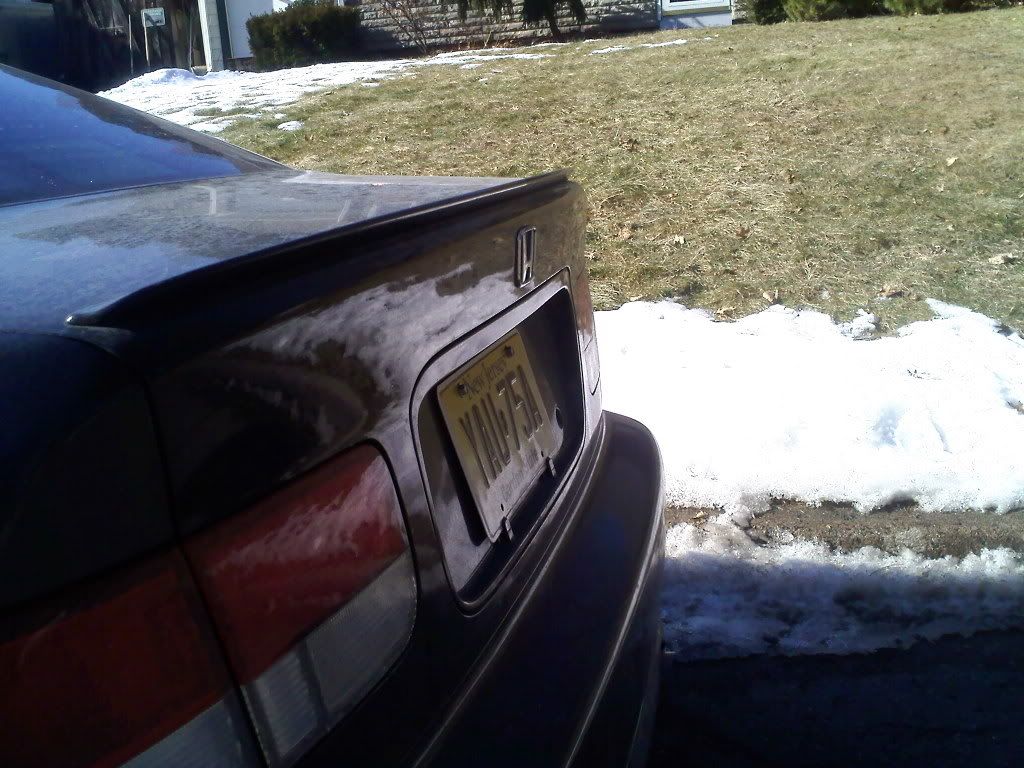
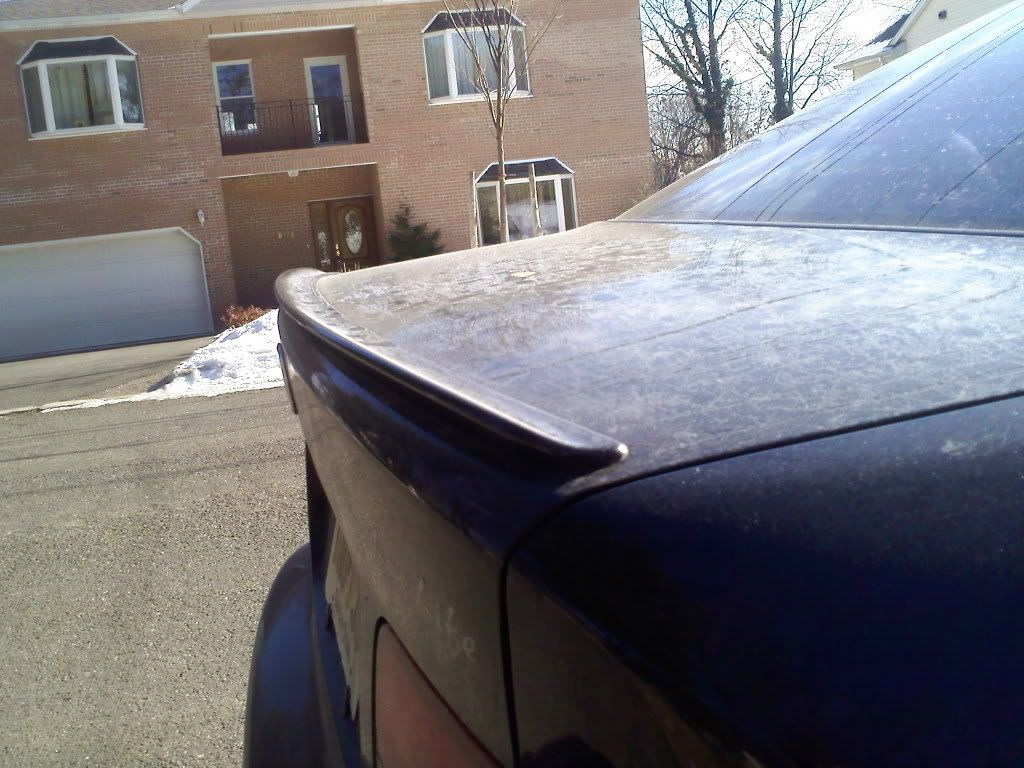
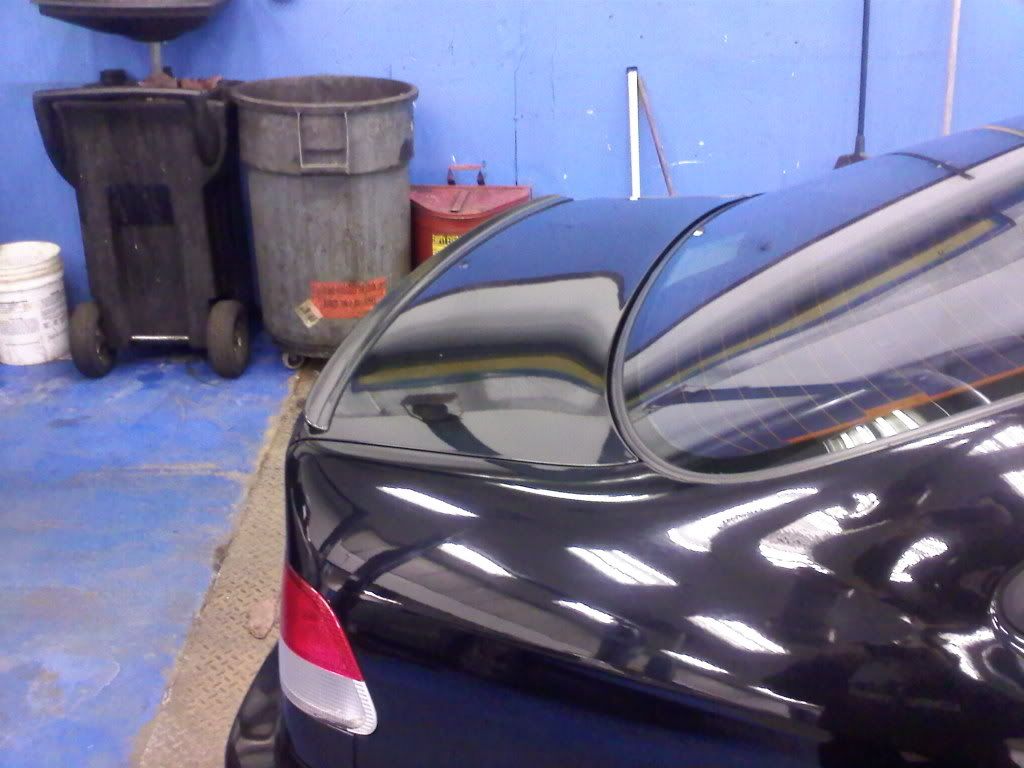
i would love to post some pictures of my car but i dont know how to on this site. if someone could tell me how?? every time i go to add a pic it asks for a url...god dammit my pictures are just saved to my desktop.
try that. umm but the lip os not on in that pic. if this works ill try to post a pic of the spoiler tomorrow for ya
try that. umm but the lip os not on in that pic. if this works ill try to post a pic of the spoiler tomorrow for ya


Registered!!
Joined: Dec 2008
Posts: 58
Likes: 0
Rep Power: 212 Re: Spoilers
Lil Midget,
To post a picture:
1) Upload your picture to a file sharing network (ex. Photobucket, Flikr).
2) Copy the URL for the image.
3) Click on the icon in the reply Toolbar.
4) Paste your URL into the window.
5) Click ok, and you're done.
-Josh
To post a picture:
1) Upload your picture to a file sharing network (ex. Photobucket, Flikr).
2) Copy the URL for the image.
3) Click on the
icon in the reply Toolbar.4) Paste your URL into the window.
5) Click ok, and you're done.
-Josh
Last edited by JoshD; Jan 22, 2009 at 07:22 AM. Reason: for clarity

My Honda Loves Me ^_^
iTrader: (7)
Joined: May 2006
Posts: 3,825
Likes: 0
From: The rich oil fields of Kuwait
Rep Power: 303 Re: Spoilers


 lets see if this works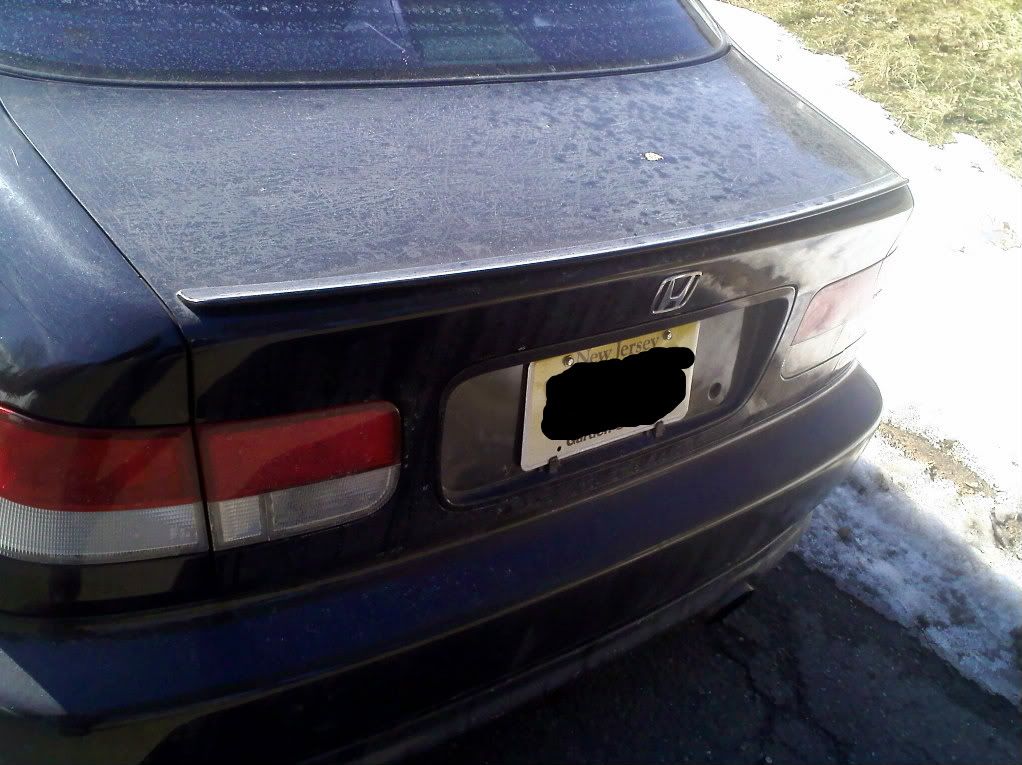

Thread
Thread Starter
Honda Civic Forum
Replies
Last Post
Biggunschad
8th & 9th Generation Civic 2006 - 2015
2
Sep 11, 2015 04:06 PM

